Mini PC vs Desktop PC: Which One Should You Choose?
Mini PCs have become increasingly popular due to their compact size and space-saving design. But are they suitable for everyone?
This article compares Mini PCs and traditional desktop PCs to help you choose the right solution.
What Is a Mini PC?
A Mini PC is a compact desktop computer designed for basic computing tasks.
Common benefits include:
- Space-saving design
- Low power consumption
- Easy deployment
- Clean workspace
|
Mini PCs are widely used in offices, schools, retail environments, and digital signage applications.
Advantages of Desktop PCs
Traditional desktop PCs offer:
- Higher performance
- Better expandability
- More cooling capacity
- Greater upgrade flexibility
|
Users can easily upgrade CPUs, GPUs, memory, and storage.
Limitations of Mini PCs
Due to their compact size, Mini PCs often have:
- Limited expansion options
- Restricted graphics support
- Smaller cooling systems
|
As a result, they may not be ideal for gaming or professional workstation workloads.
Who Should Choose a Mini PC?
Mini PCs are ideal for:
- Office productivity
- Web browsing
- POS systems
- Digital signage
- Educational applications
|
Who Should Choose a Desktop PC?
- Gamers Content creators
- Engineers Designers
- AI and computing workloads
|
Users requiring high performance and future upgrades generally prefer desktop platforms.
Is There a Middle Ground?
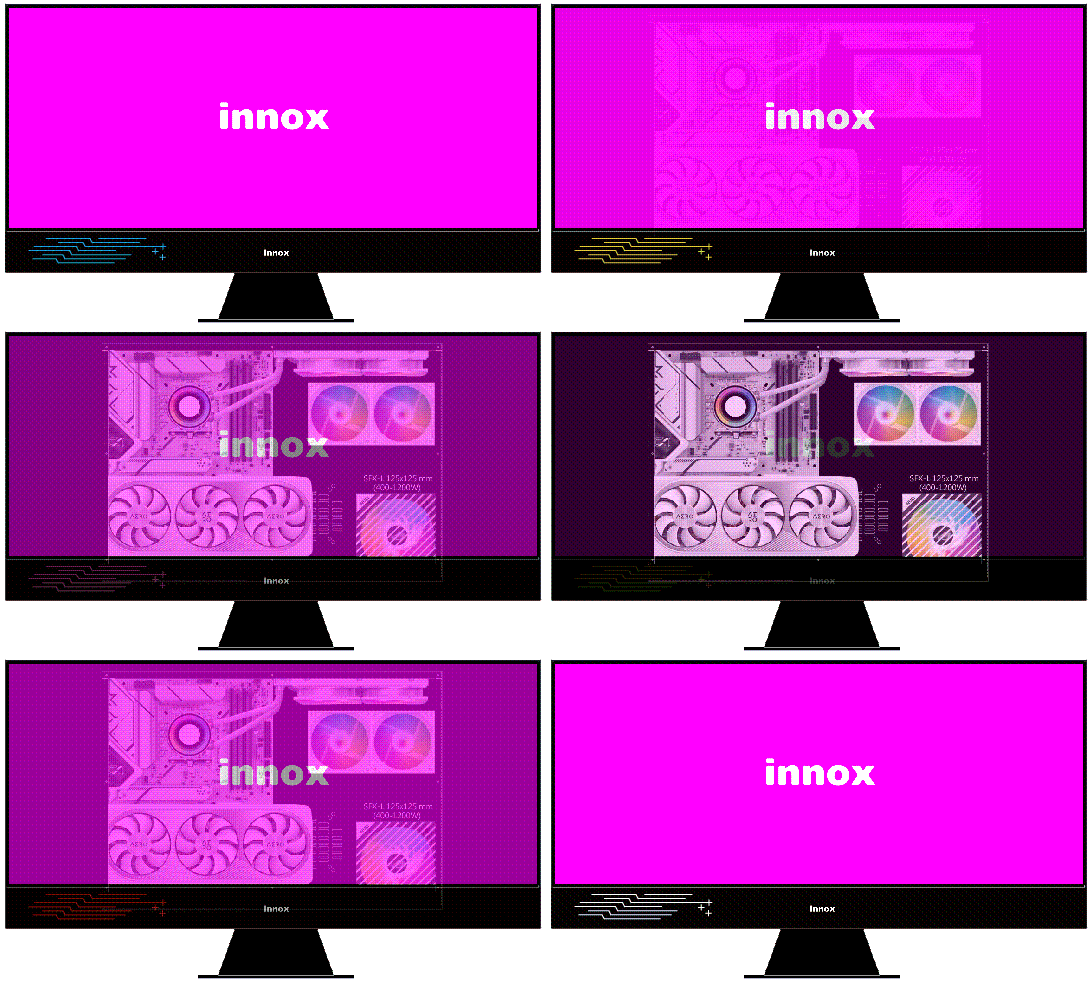
Modern Slim Desktop PCs bridge the gap between Mini PCs and traditional desktops.
- Smaller footprint
- Higher performance
- Better expandability
- Support for dedicated graphics cards
|
This makes them attractive for business and professional users.
Discover INNOX Slim Desktop PC Solutions
Featuring:
- Compact Desktop Platforms
- Slim Desktop PCs
- RTX Ready Configurations
- Business and Professional Application
|
Explore the INNOX Slim Desktop PC Series.
| Desktop Power, Redefining All-in-One |
| INNOX AIO - Performance Unbound, Truly Limitless All-in-One |

Copyright © 2026 INNOX CORP. All Rights Reserved. |